> ## Documentation Index
> Fetch the complete documentation index at: https://docs.inspect.dev/llms.txt
> Use this file to discover all available pages before exploring further.
# Managing teams and organizations
You can create your own organization to manage multiple accounts under one subscription.
## How to create a team
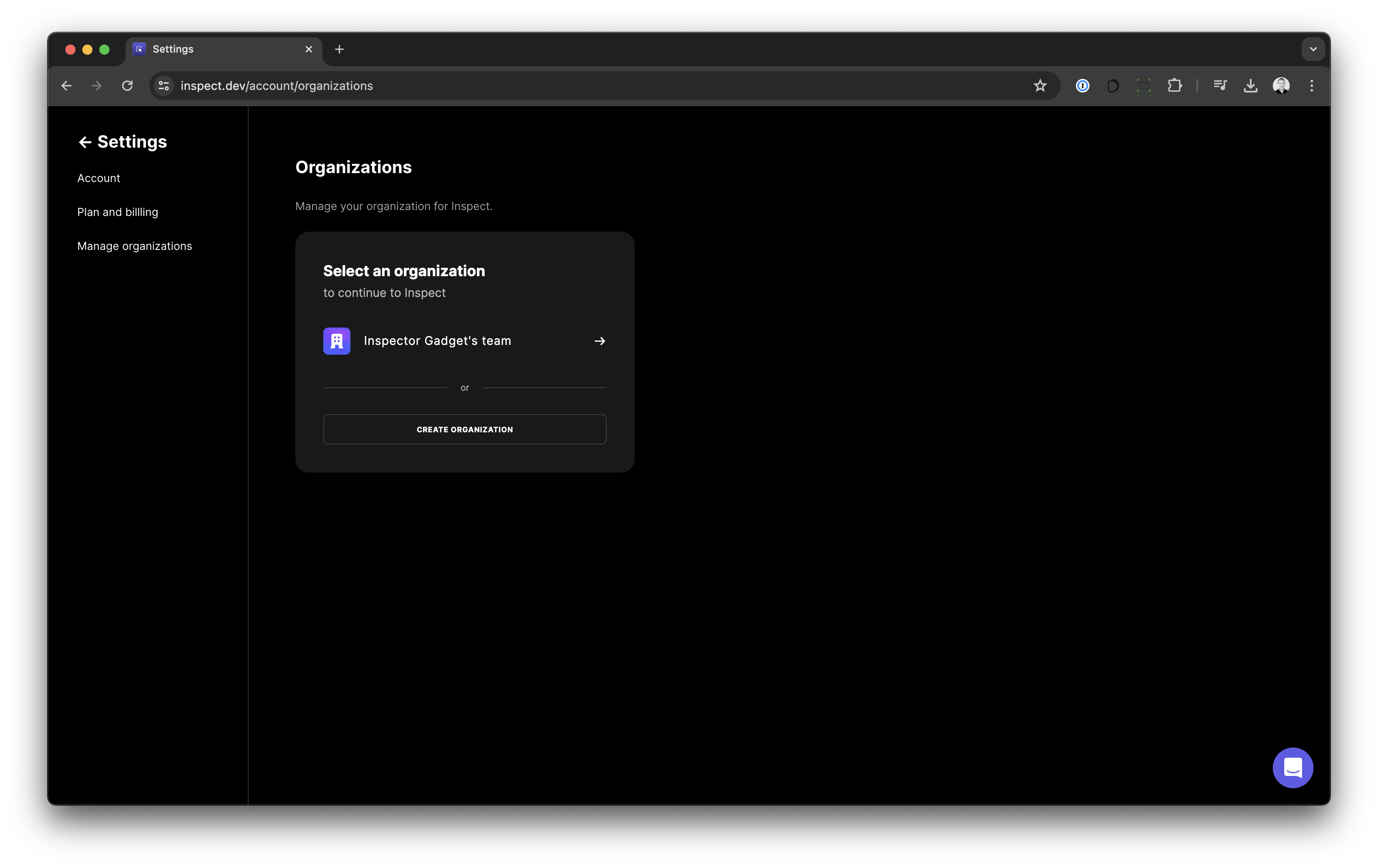
1. Go to [https://inspect.dev/account/organizations](https://inspect.dev/account/organizations)
2. Click the `Create Organization` button
 ## Manage your organization
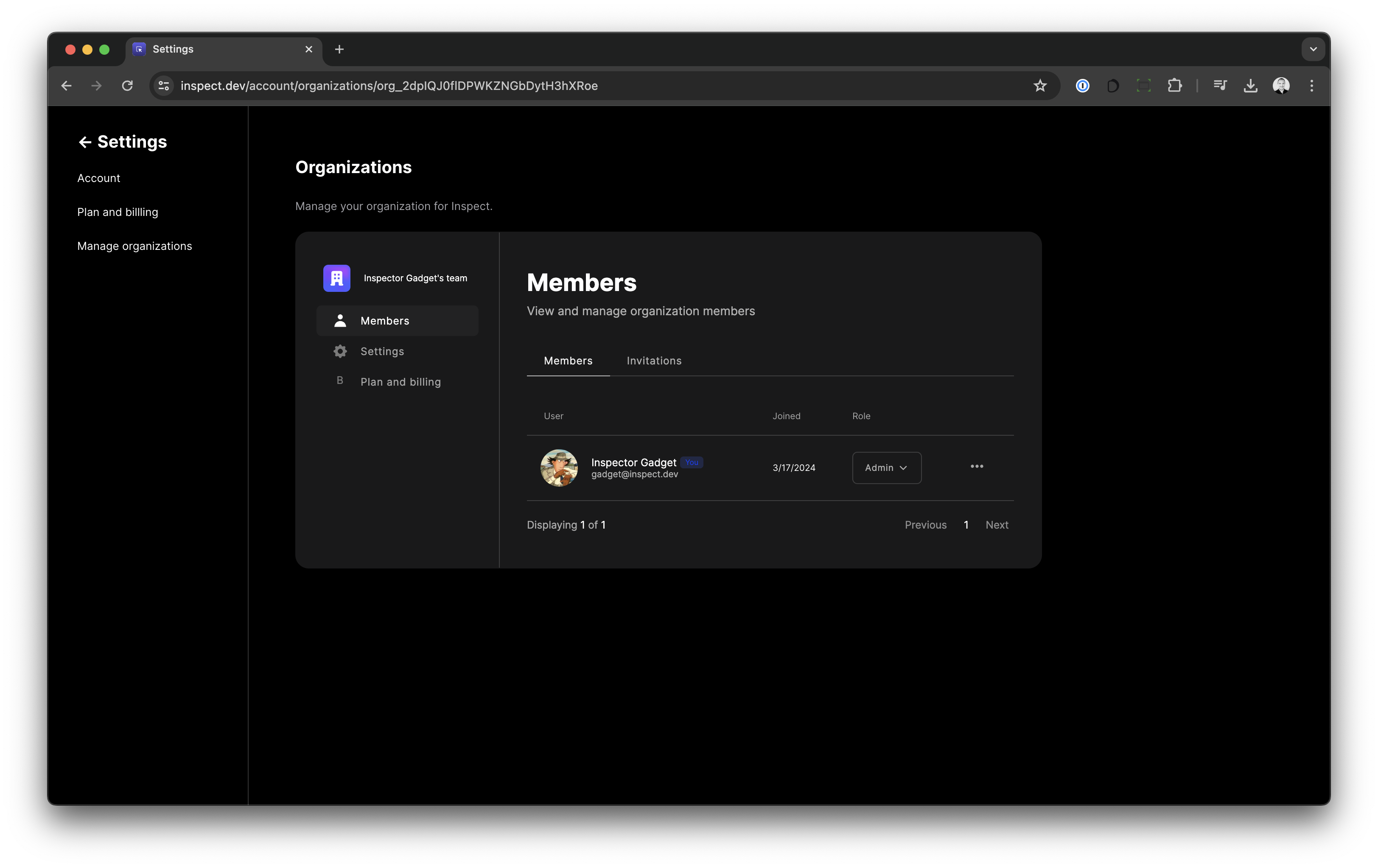
1. Go to [https://inspect.dev/account/organizations](https://inspect.dev/account/organizations)
2. Choose your organization.
3. Use the organizations page to add/remove members, settings and billing.
## Manage your organization
1. Go to [https://inspect.dev/account/organizations](https://inspect.dev/account/organizations)
2. Choose your organization.
3. Use the organizations page to add/remove members, settings and billing.
 ## Organization Billing
To use organizations you have to subscribe to our `Inspect Teams` plan. We don't charge for single member organizations.
You manage your organization's billing details on Stripe.
## Organization Billing
To use organizations you have to subscribe to our `Inspect Teams` plan. We don't charge for single member organizations.
You manage your organization's billing details on Stripe.